

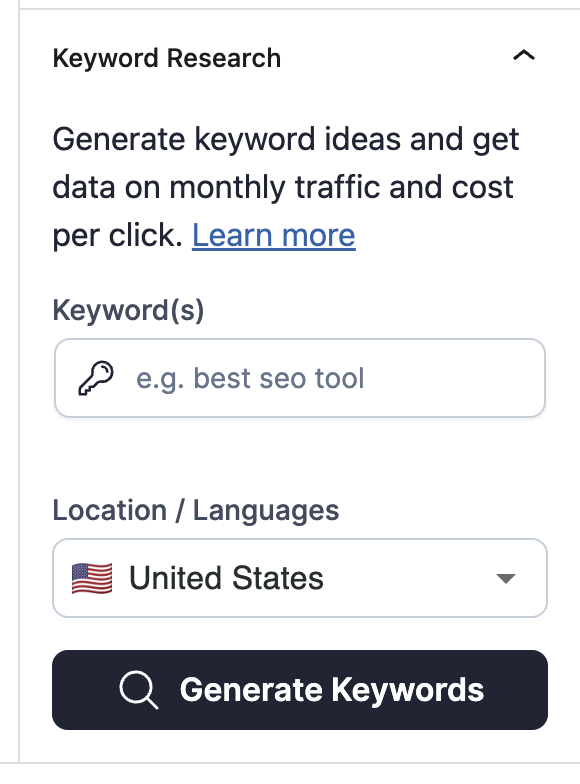
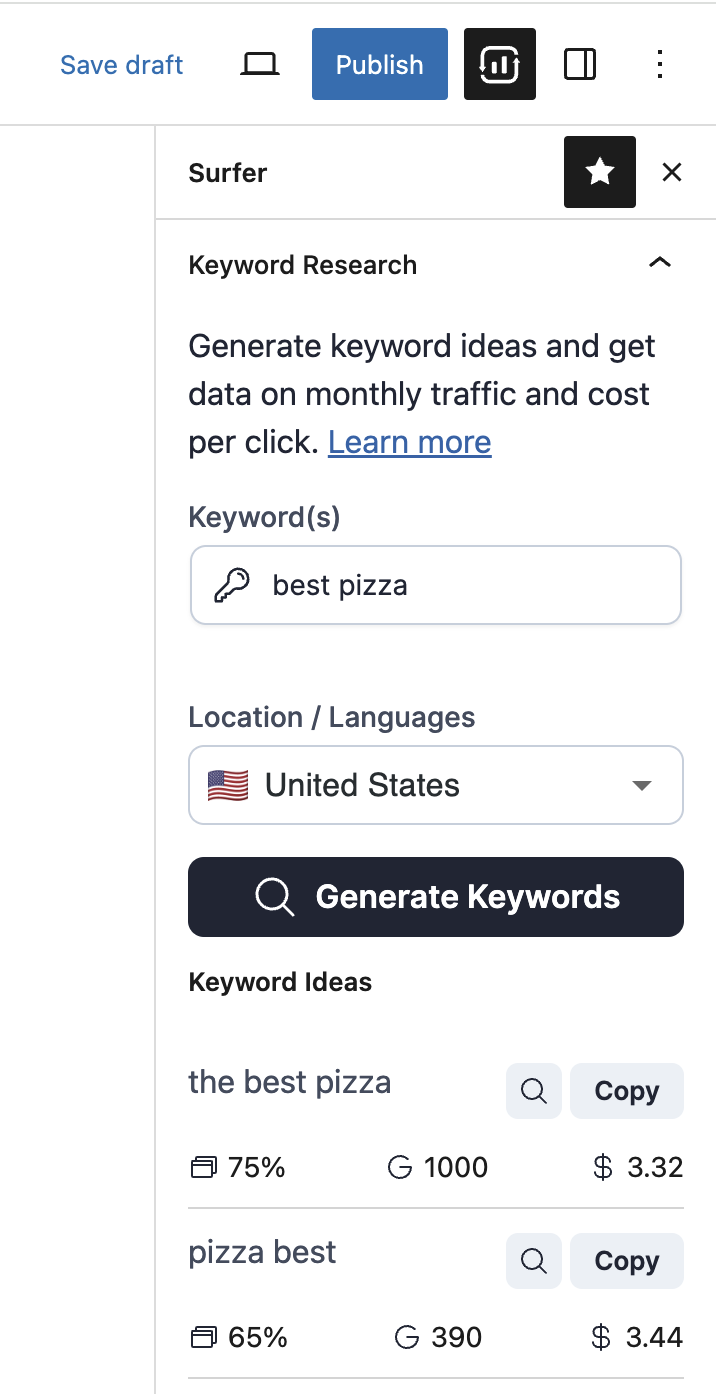
The Keyword Research module in the WordPress plugin allows you to get keyword suggestions. All you need to do is put a keyword for which you want to find similar keywords, the location that you want to rank for, and click on the "Generate Keyword Ideas" button.
To start using it, just open your WordPress post or page, and it will be available in the column on the right:
🔍 – search volume per month
📁 – similarity score – tells you how similar your keyword's SERPs are compared to the one from the list.
💲– cost per click for Google Adwords campaigns
No results – this means we do not have data for this keyword, and the best solution is to try another keyword.
See: Track your performance with the WordPress plugin Google Search Integration