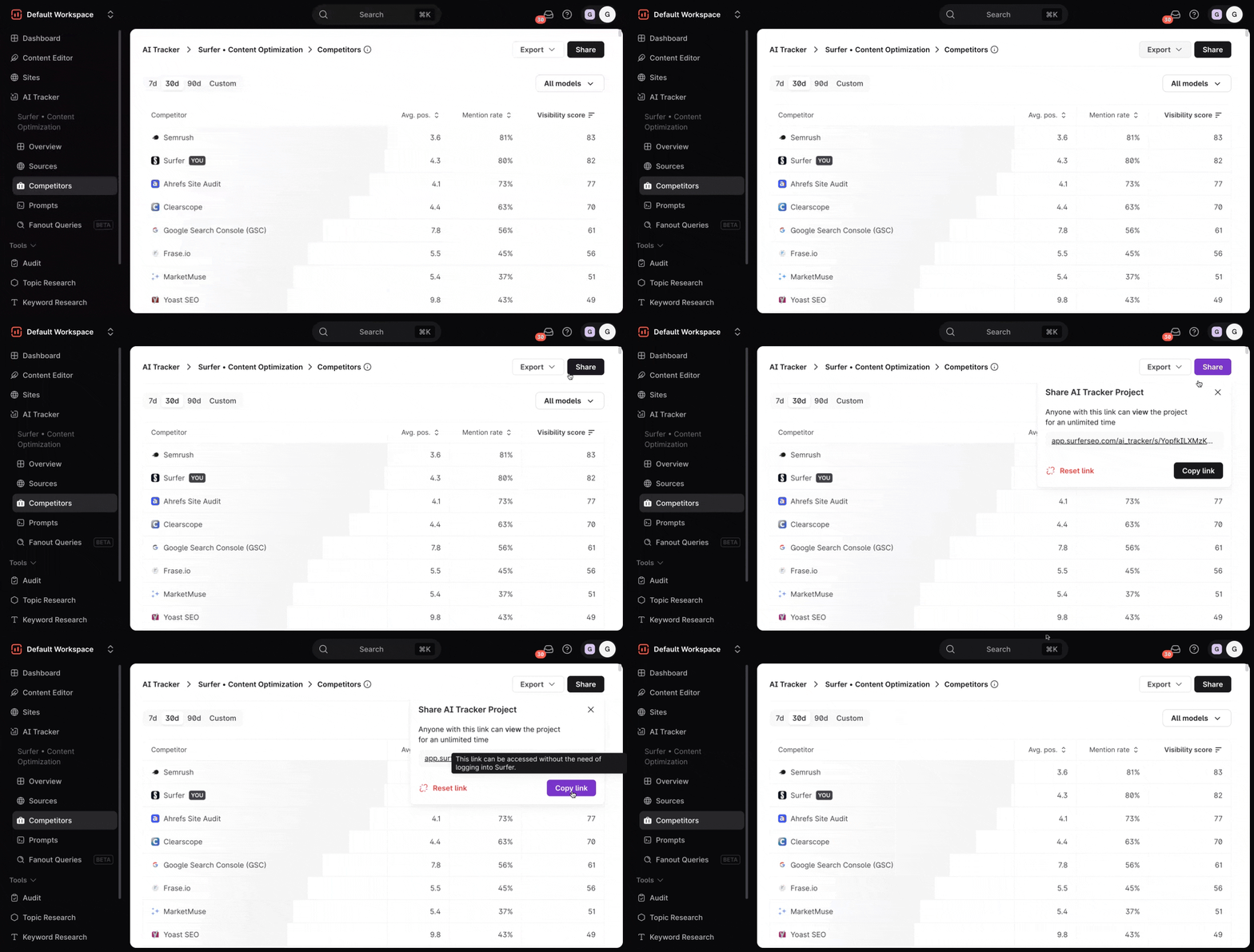
AI Tracker’s Competitors Dashboard will show you how often different brands, including your own, by AI models, and how visible they are across all prompts you’re tracking. It’s designed to help you see how your brand stacks up against other SEO and content optimization tools in AI-generated responses.
Date range and AI models filters
At the top of the dashboard, you'll find the date range and AI models filters. Adjusting these filters help you analyze recent or longer-term competitor trends, and you can choose to view results from all AI models or focus on a specific one.
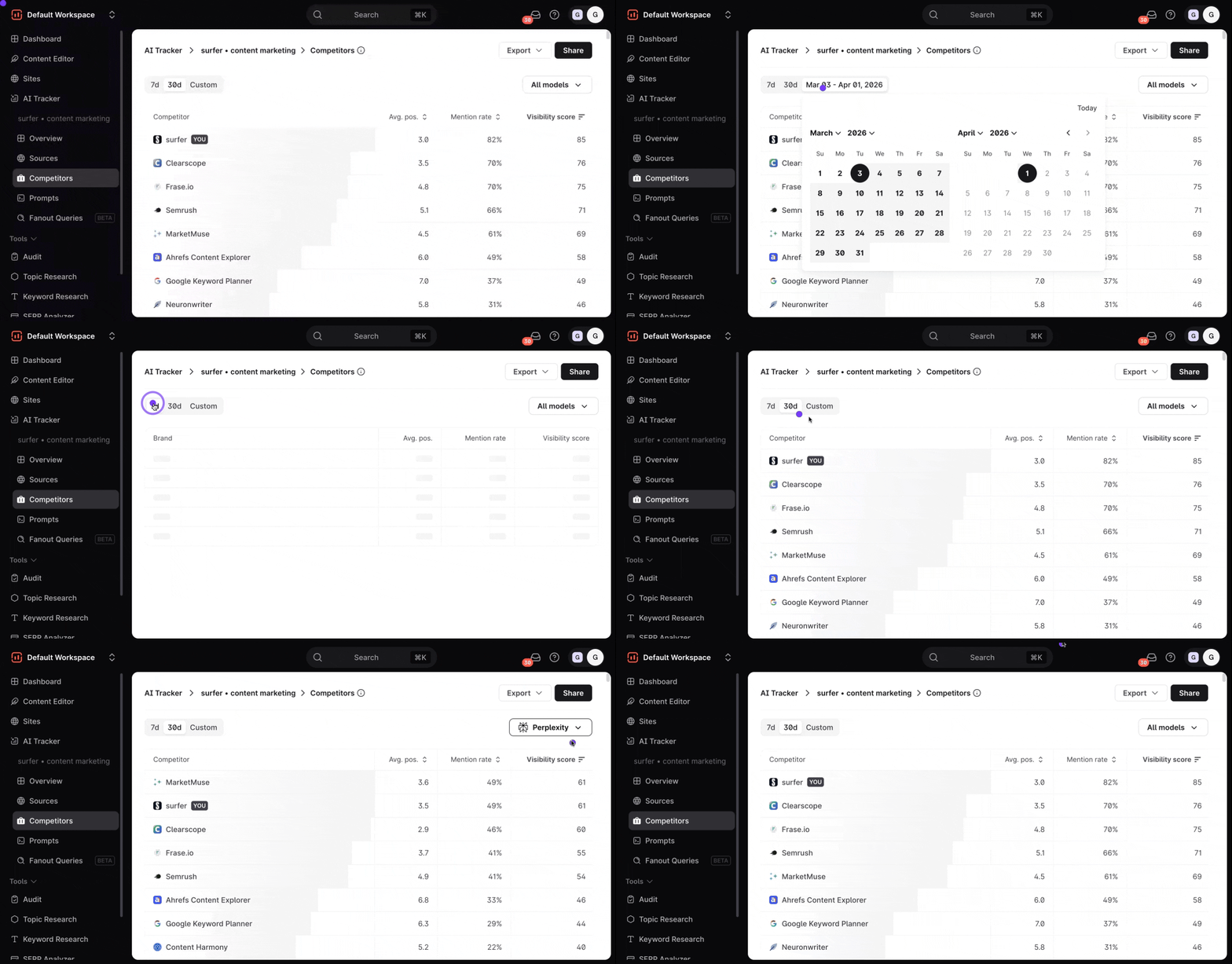
Once you open your Competitors Dashboard, you will see a list of your competitor brands along with key metrics. They are listed in chronological order, based on who has the highest visibility score. Key data results are best reviewed on the Detailed View of your competitors.
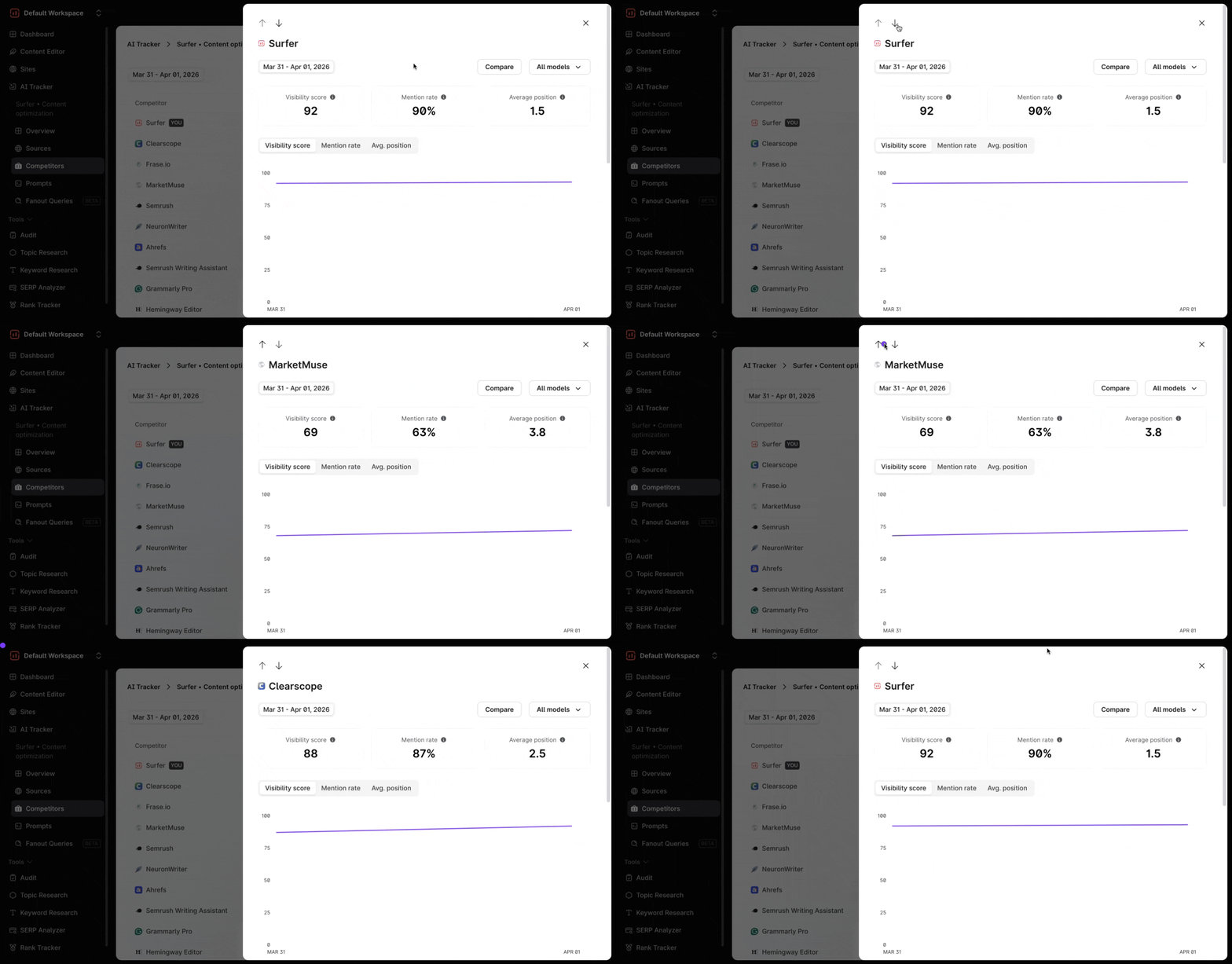
When you hover over a brand name, you'll see an Open details option. Select it to open the right side panel with deeper insights into that brand’s performance.
You will then have the opportunity to either:
solely review that particular brand's performance
or stack it up against another brand by choosing “Compare” and selecting a specific competitor brand
You will see three tabs that will show graphs for the following metrics:
Visibility score: overall exposure across prompts
Mentions rate: how frequently the brand is cited
Average position: how high or low the brand tends to appear
You can easily switch among them to see specific trends on the chart.
Below, you will also find the Sources Table, which shows a list of all URL sources that mention your brand.
Toggle “All Sources Tab” to see all URLs where the brand is mentioned
Toggle “Mention Gap” for a basic visual representation of the difference and overlap on mentions within sources between the competitor and your brand.

On the Sources table, you will find three columns:
Source (URL) | Mentioned (Yes/No) | Times shown |
After reviewing the Sources, you can see the Prompts included in your project, along with the brand’s visibility score for each one. This lets you spot where each competitor is most visible, and identify prompts where your own brand could appear more often.
Finally, you will see Sources from your competitors’ brand where you will find a list of their URLs that show up in AI models. You will also see if they mention your brand in their source and the number of times they are shown in AI models.

You can review the in-depth details of competitors without having to close the side panel and simply switch between competitors by clicking on the up and down arrow buttons on the top-left section of the side panel.
You can download the analysis as a .CSV format by clicking the Export button found on the top right corner of the dashboard.
Additionally, you can share a view-only access to your AI Tracker report. Perfect for sharing wins with your team or clients to keep them updated on your visibility progress.