Surfer can generate AI images to enhance your content, whether you're using AI to write your article or adding visuals manually.
Here’s how image generation works in both scenarios:
When you create an article using Surfer AI, we’ll automatically generate 3–6 unique, high-quality images tailored to the article’s topic.
Images are added as part of the AI writing process.
Designed to match the context and tone of your content.
No action required from your side — Surfer handles it all!
This is a great way to speed up content creation while maintaining a professional, visual appeal.
Whether you're using Surfer AI or writing yourself, you can now manually generate AI images inside any Content Editor with help from Surfy.
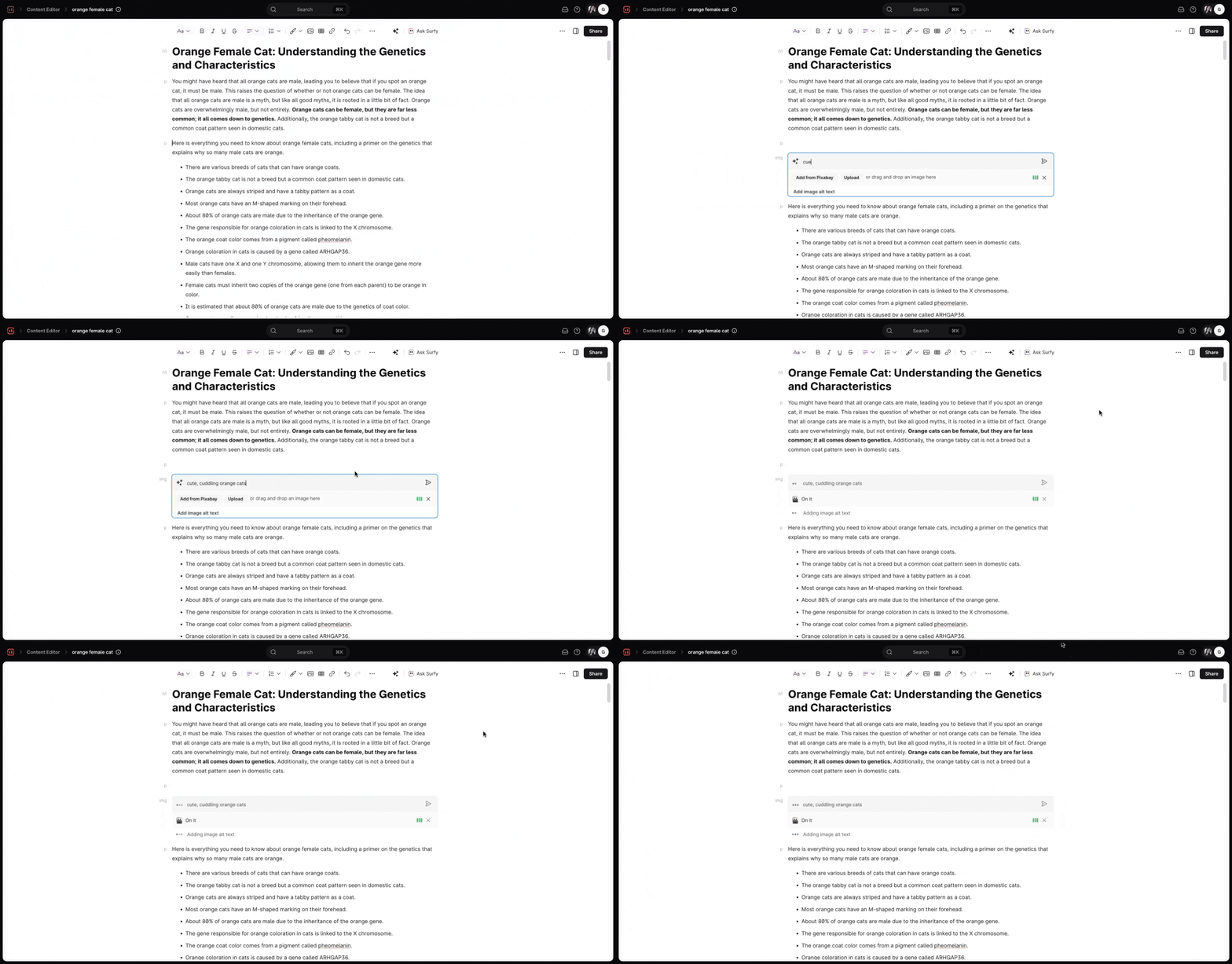
Click "Add image" as usual, or type in the /img or /image command.
Describe the image you want in the description field.
You can generate up to three images per Content Editor and five per AI Article.

AI Image Description:
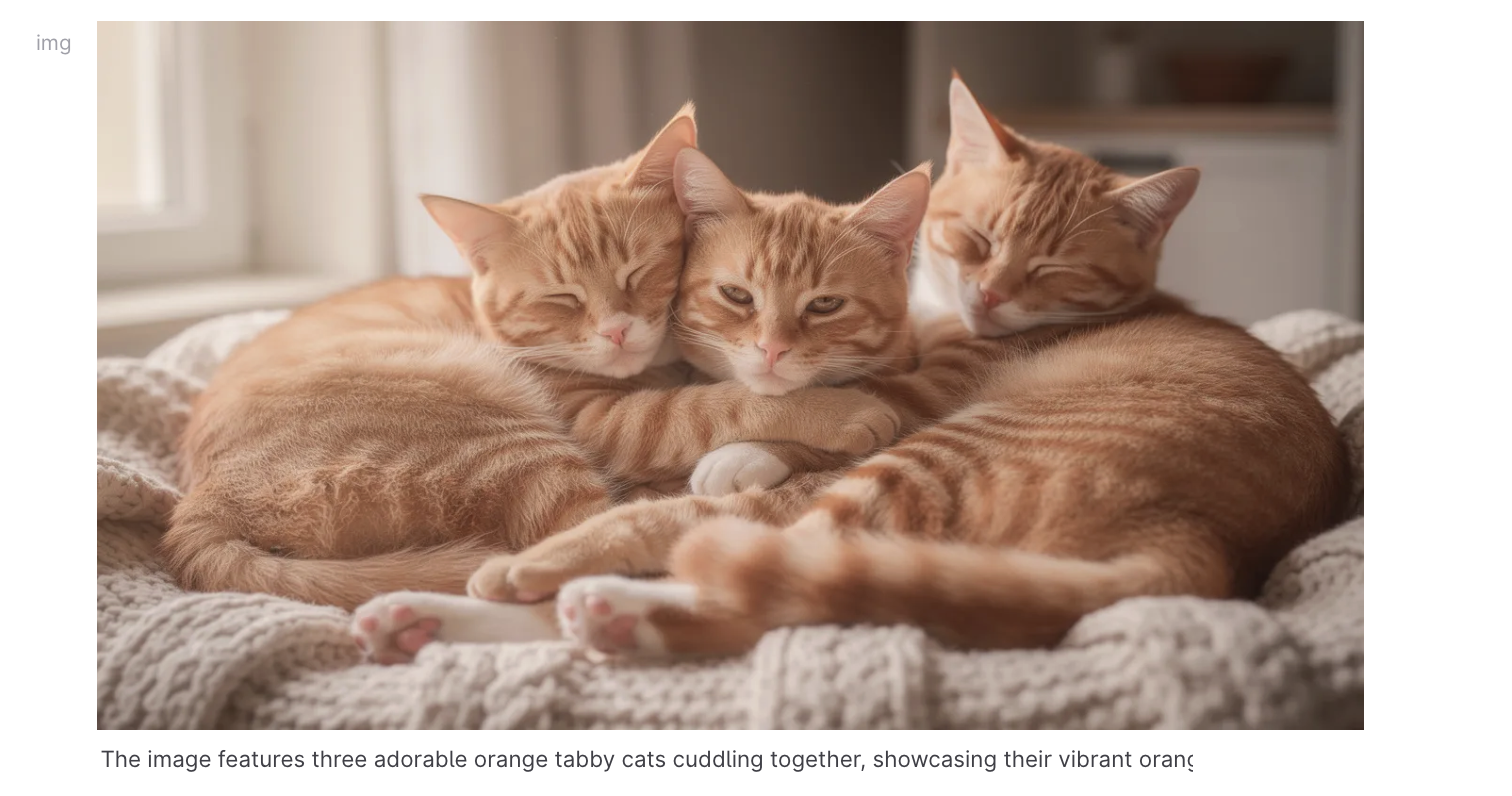
AI Image Result:
You can generate up to 3 AI images for each of your Content Editors and up to 5 AI images for each of your AI articles.
Our images are generated using cutting-edge AI models, such as DALLE-3, Stable Diffusion, Stable Cascade, and others, available for commercial use.
No. Our images follow the standard AI-generated content policy, and the AI models we use for image generation are available for commercial use. Moreover, each image is unique, so there is no need to worry about copyright infringement!
No. Images are generated in parallel to the article's text generation, thus do not increase the waiting time.
Yes, you can regenerate the image by adding a new description - please note, however, that the regeneration cost is also one of your AI image tokens.
Yes! You can change the alt text of the AI-generated images whenever you see fit.