

Learn how to change your password for both standard and Google-authenticated accounts.
Standard login method (email address & password)
Changing email address
The Surfer team can change your email address
Please email us at [email protected] using your current account email, and we will be happy to take care of it for you.
Changing password
If you’ve forgotten your password, here’s how you can change it:
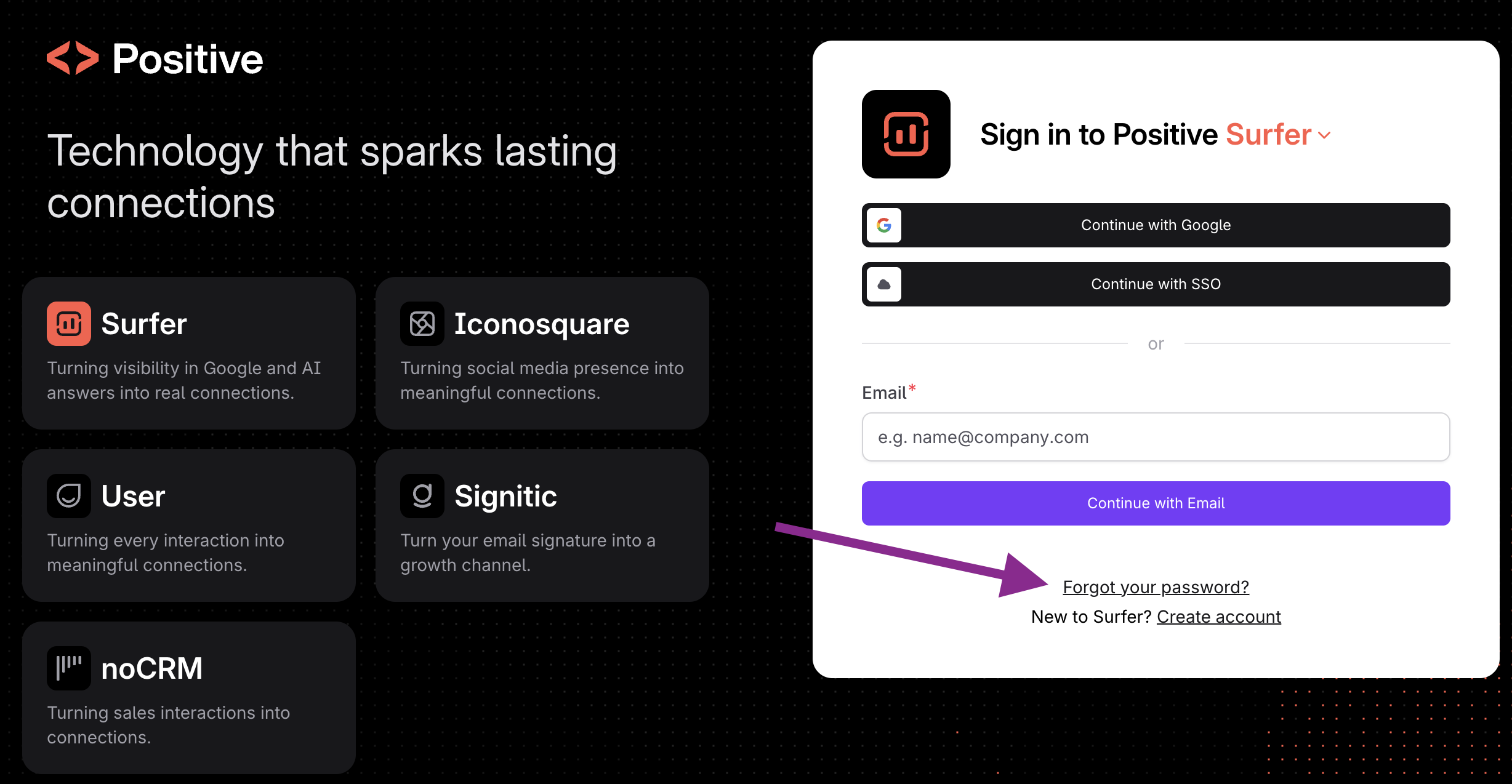
Go to the login page.
Click Forgot password? in the lower part of the login form.
Enter your account email, and click Reset password.
Check your email for the password renewal email
❗IMPORTANT: If you can't find it in your inbox, check your spam folder as well.❗
Follow the instructions from that email.
If you’re not receiving the password reset email, your email might not be verified.
Google-authenticated accounts
The above method also works if your account was authenticated with Google, and you want to change your login method to a standard one.
If you’ve completed the following steps but still need help resetting your password, please message our Support Team, and we’d be happy to assist.
Do you still need help? Don't worry! You can contact us at [email protected] or via live chat by clicking the icon in the bottom-right corner.