Starting December 7, 2026, you'll log in to Surfer with a Positive Account: one login for the entire Positive Group product family.
The login method is the only thing that changes. Your organization, workspaces, documents, audits, connected domains, limits, and subscription are all right where you left them.
The first time you log in, we'll create your Positive Account and connect it to your Surfer.
Go to the Surfer login page.
Select Log in with Positive Account.
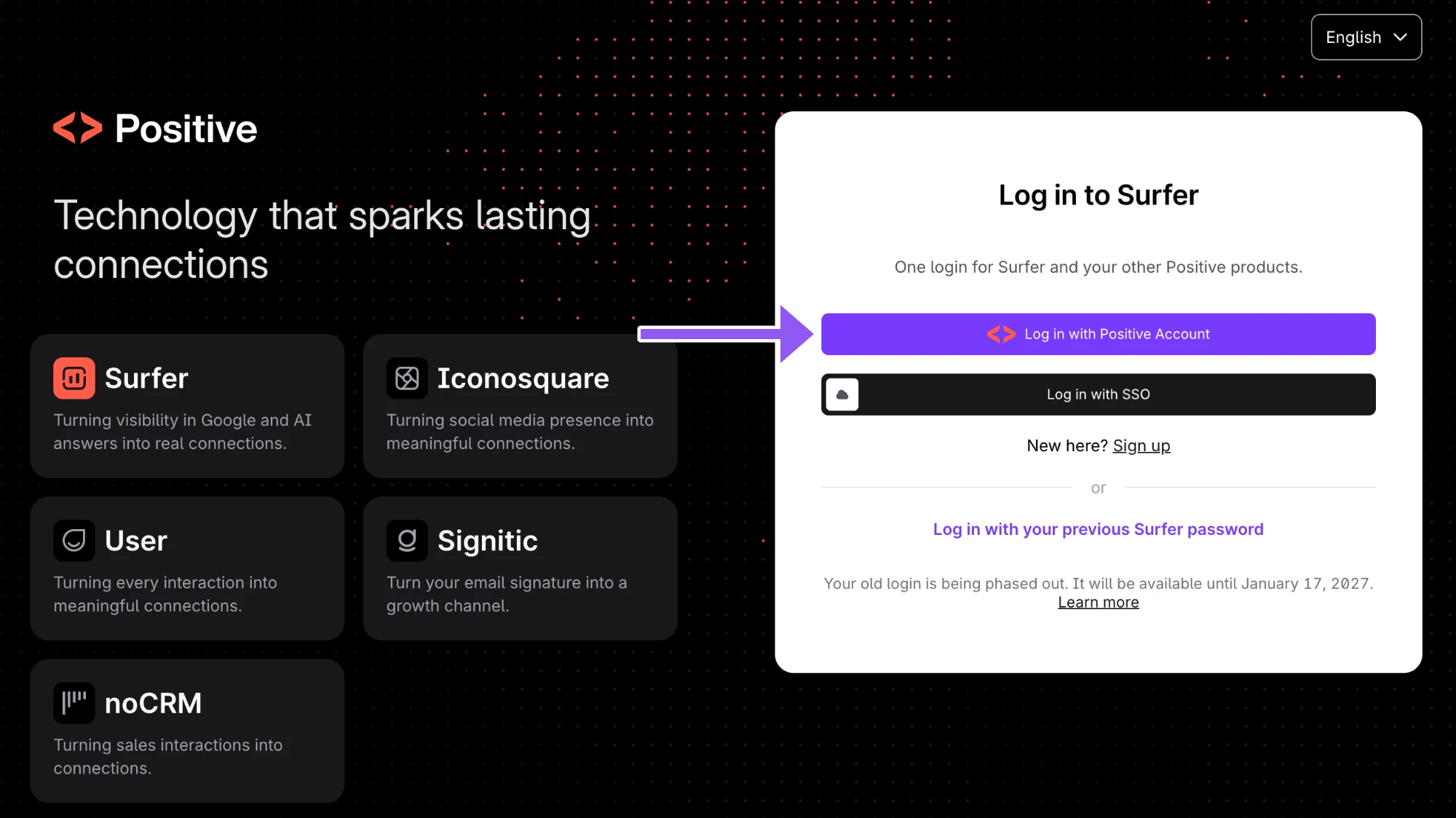
Enter the email and password you use for Surfer now, or select “Sign in with Google” if you use this login method.
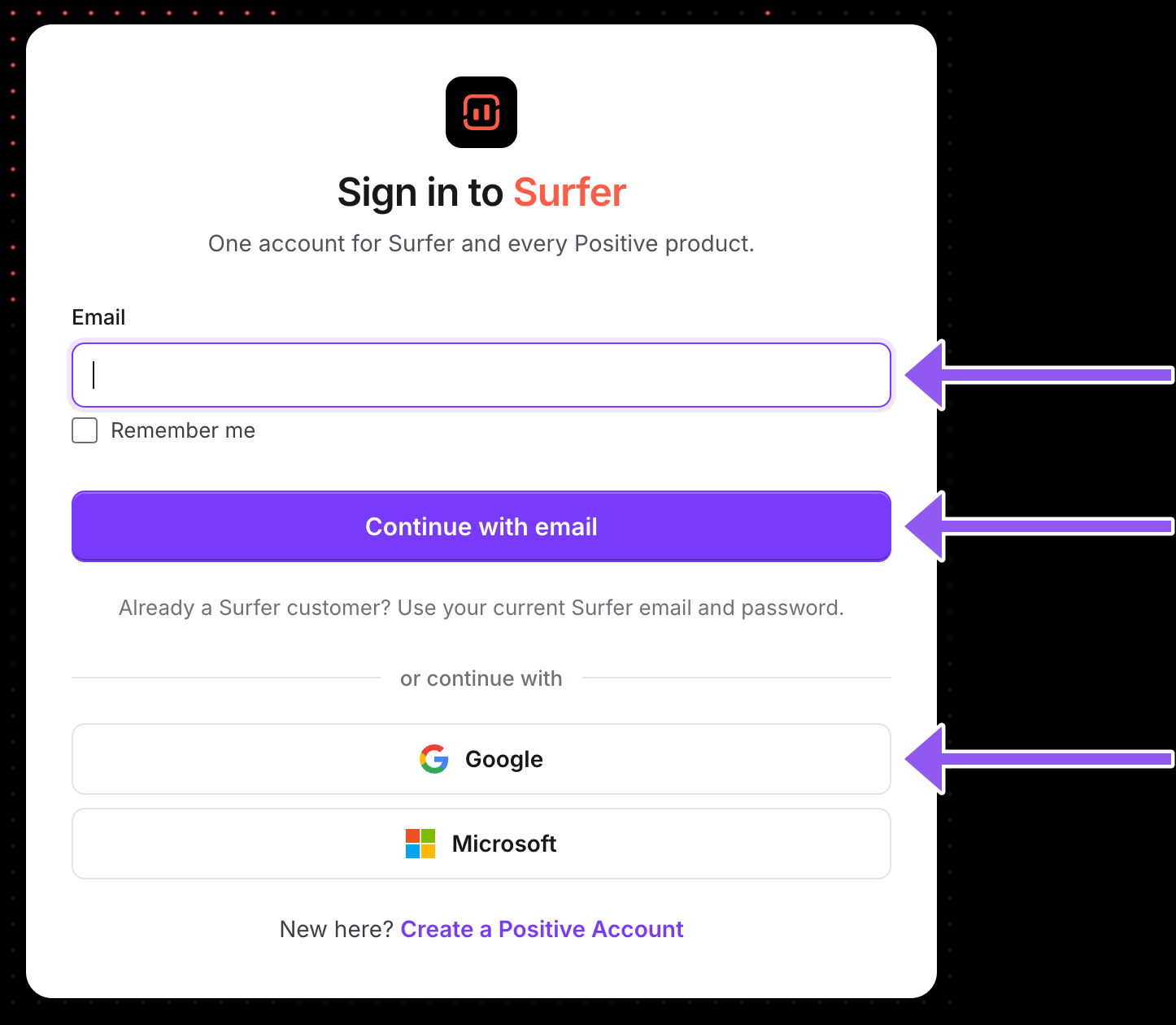
Confirm it's you with the one-time code we send to your email.
What you should see: Surfer opens with all your data and settings, just like before.

Yes, for a little while. You can keep using the old login steps until January 17, 2027. You can access them through the Log in with your previous Surfer password section on the login screen.
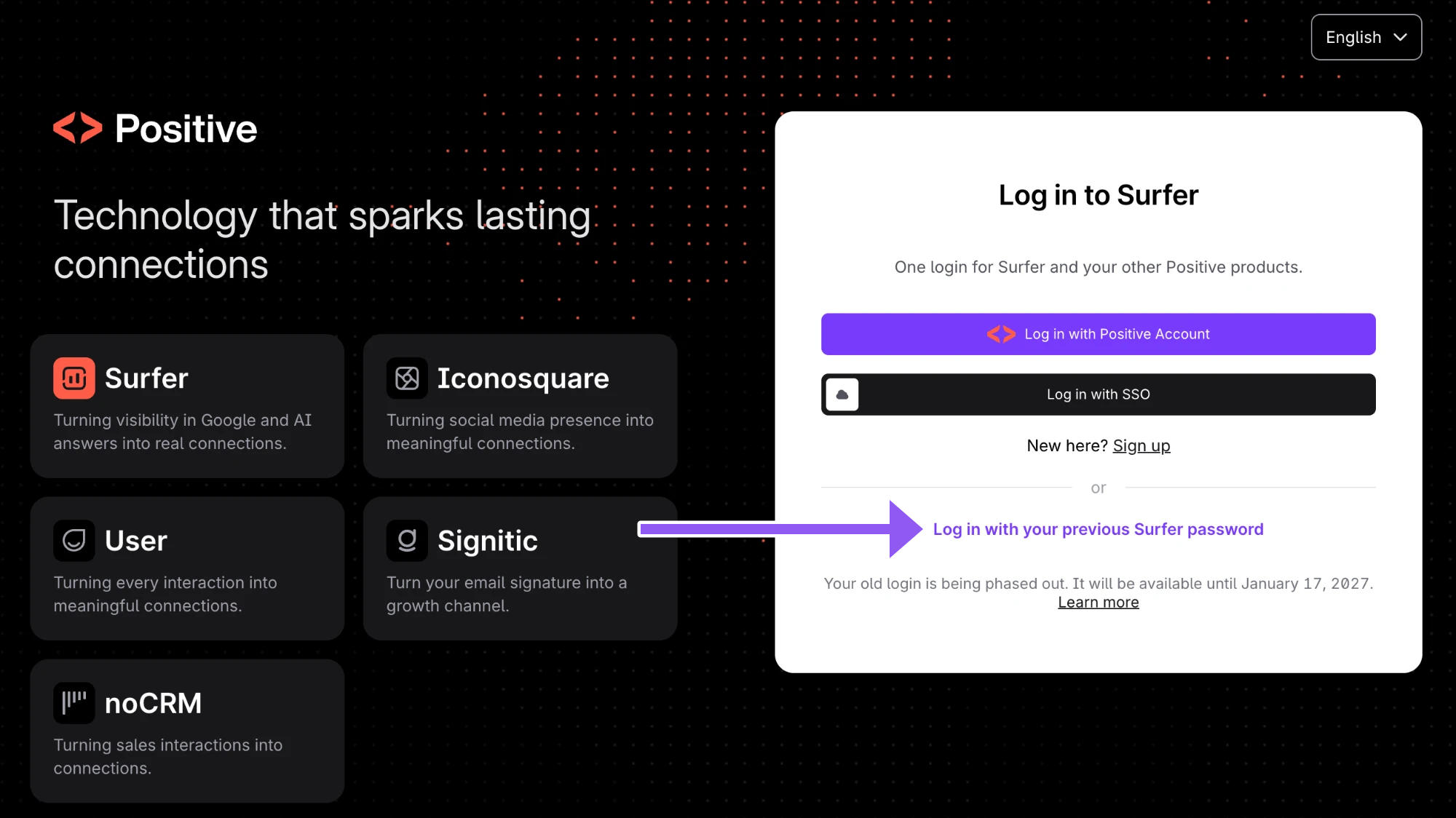
Just keep in mind: once you log in with Positive Account, you can only log in through the Log in with Positive Account step. Your current Surfer password works there too!
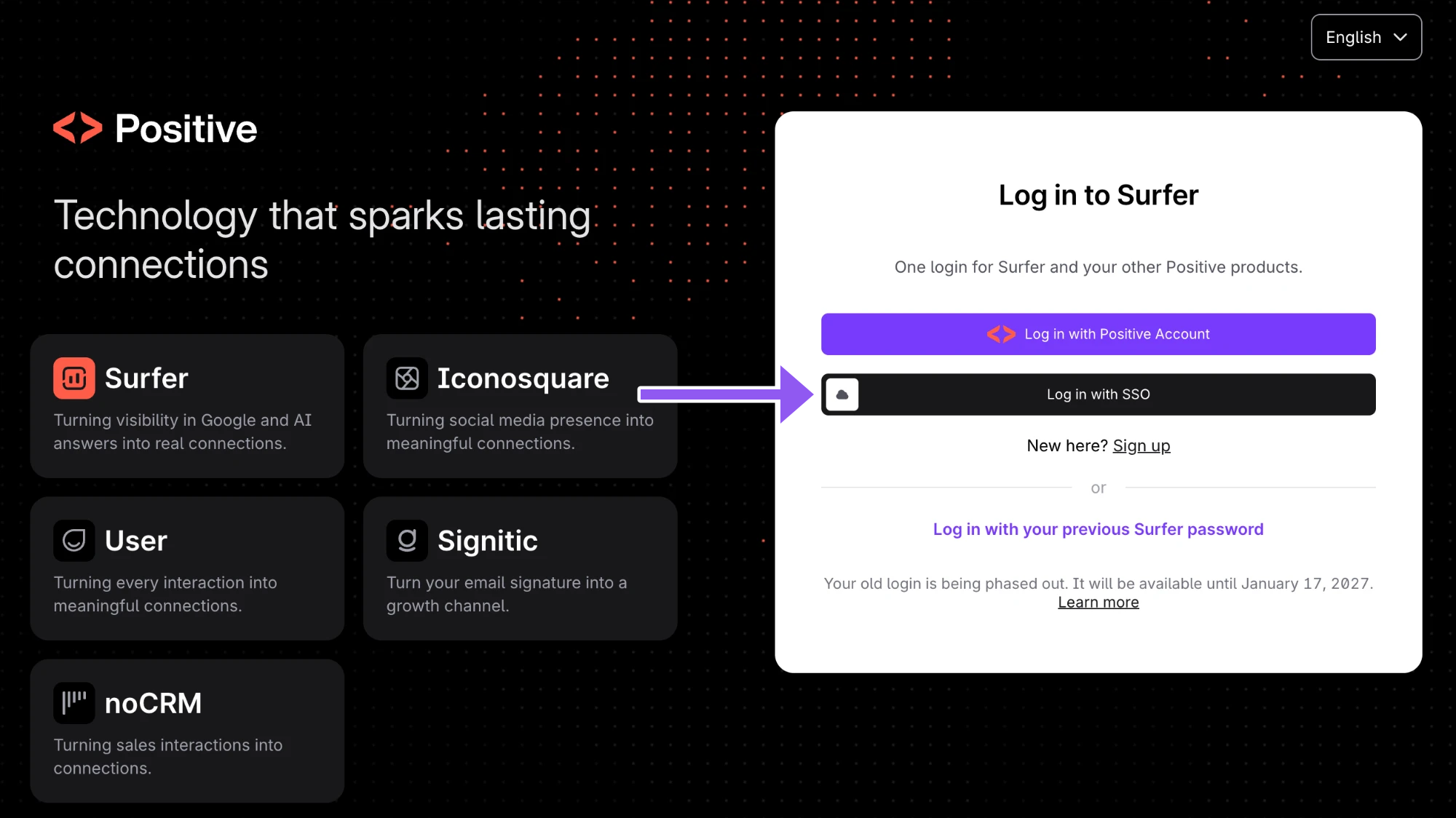
Nothing changes for you. You can keep logging in with Continue with SSO. Your dedicated Surfer CSM will reach out via email and answer any questions you may have.
Yes. Open another product from the top-left menu in Surfer, and you're in, no password needed. If you don't use that product yet, you'll just need to accept its terms first.
No. Positive Account only links products that share an email address. Say you log in to Surfer as [email protected] and to another product with a personal email. You'll have two separate Positive Accounts, each with its own password. Contact support ([email protected]) if you wish to link products under a single email address.
Yes. All existing users need to log in to Surfer using their Positive Account credentials from now on. They should use the same email address they were invited with. Their role (Owner, Admin, or Member) and workspace access will remain unchanged.
New users invited after this change will be directed straight to the Positive Account sign-up page and will use their Positive Account to access Surfer.
No. Shared Content Editor links and Google Docs work just like before. External writers don't need a Surfer account, so nothing changes for them.
Yes. The Chrome extension, API, Surfer MCP, Google Search Console connection, and others will remain tied to your Surfer account.
Password: select the “Forgot password?” option on the Positive Account login page. Your new password works for every Positive Group product you use.
Email address: contact our support team ([email protected]), and we'll update it for you.
Yes. To keep your account safe, we use two-factor authentication. When you log in with your email and password, there's a quick second step.
Yes. Logging out of Surfer logs you out of every Positive Group product, on all your devices.
No. Your subscription, invoices, and payment method stay in Surfer and work exactly as they do now.
Contact our support team and let us know whether you'd like to delete just your Surfer account or your whole Positive Account. We'll take care of the rest.
Caution: deleting your Positive Account removes your login and your access to every Positive Group product.
Yes, just once. The first time you log in with Positive Account, you'll accept the Positive Account Terms of Use. You don't need to accept Surfer's terms again.
Positive Account is run by Positive Group Deutschland GmbH. For now, it only stores your customer ID, email address, and password. Our Privacy Policy explains how we process your data and how to exercise your rights.
First, make sure you're on the Positive Account login page. Then reset your password with Forgot password? and try to log in again. Still stuck? Contact our support team.
Contact our support team. We'll confirm it's really you, then reset your two-factor authentication.
Chat with us in Surfer (bottom-right corner) or email [email protected].