Custom Voice guides our AI mechanism to write in your preferred tone and style. It learns from example texts you provide and ensures all generated content stays consistent with your brand’s voice.
Custom Voice can be used for consistency in your content and brand alignment in the following tools:
Content Editor - either for articles you write from scratch or with AI generated articles using Surfer AI
Humanizer - to adjust the style, personality, and tone of your humanized content.
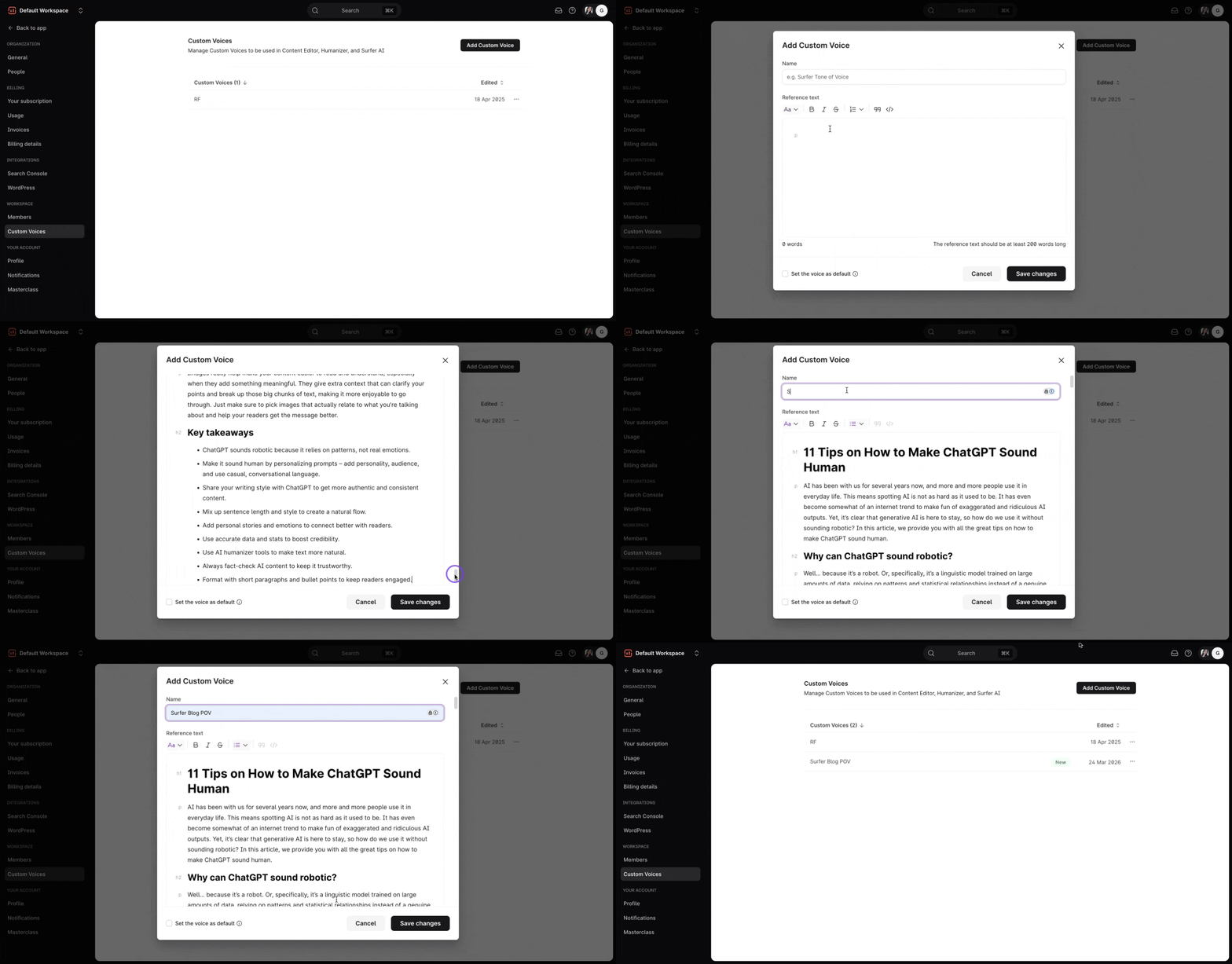
On your dashboard, go to Settings → Custom Voice: https://app.surferseo.com/settings/custom_voices (under Workspace)
Upload a 200+ word reference text written in your preferred style. The tool will analyze the text and create a voice profile based on the characteristics and tone of the input.
You can adjust key settings like tone (e.g., formal, friendly, authoritative) and language style (e.g., simple, complex).
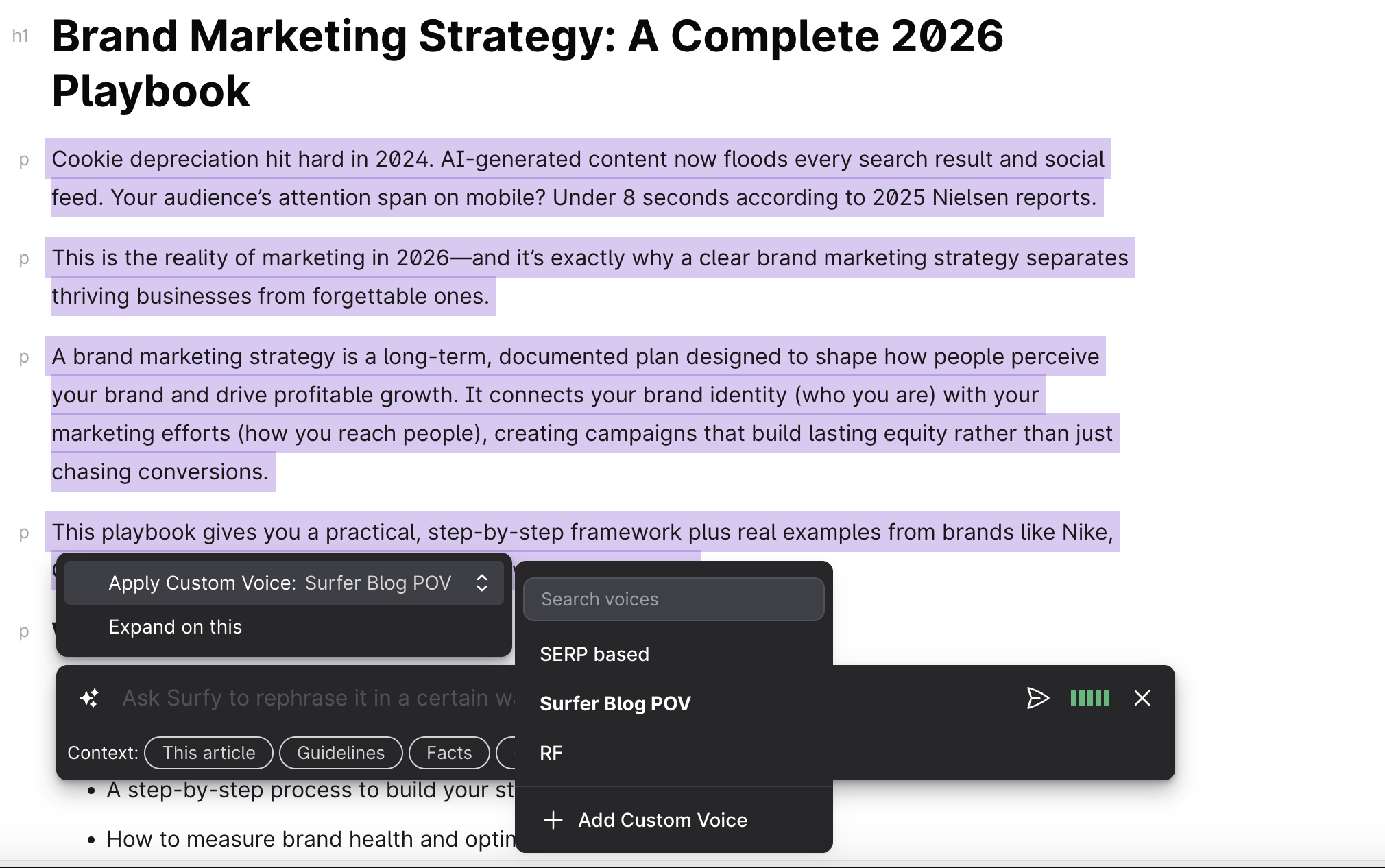
In the Content Editor, highlight a specific section or the entire text of your article. Select "Ask Surfy." You will see a list of your custom voices and have the option to add a new one. The tool will adjust the highlighted text to match the style you’ve chosen.
In Surfer AI's "Step 1: Customize your article," you’ll find an option to select your custom voice before generating the content. The AI will then generate content that aligns with your predefined voice.
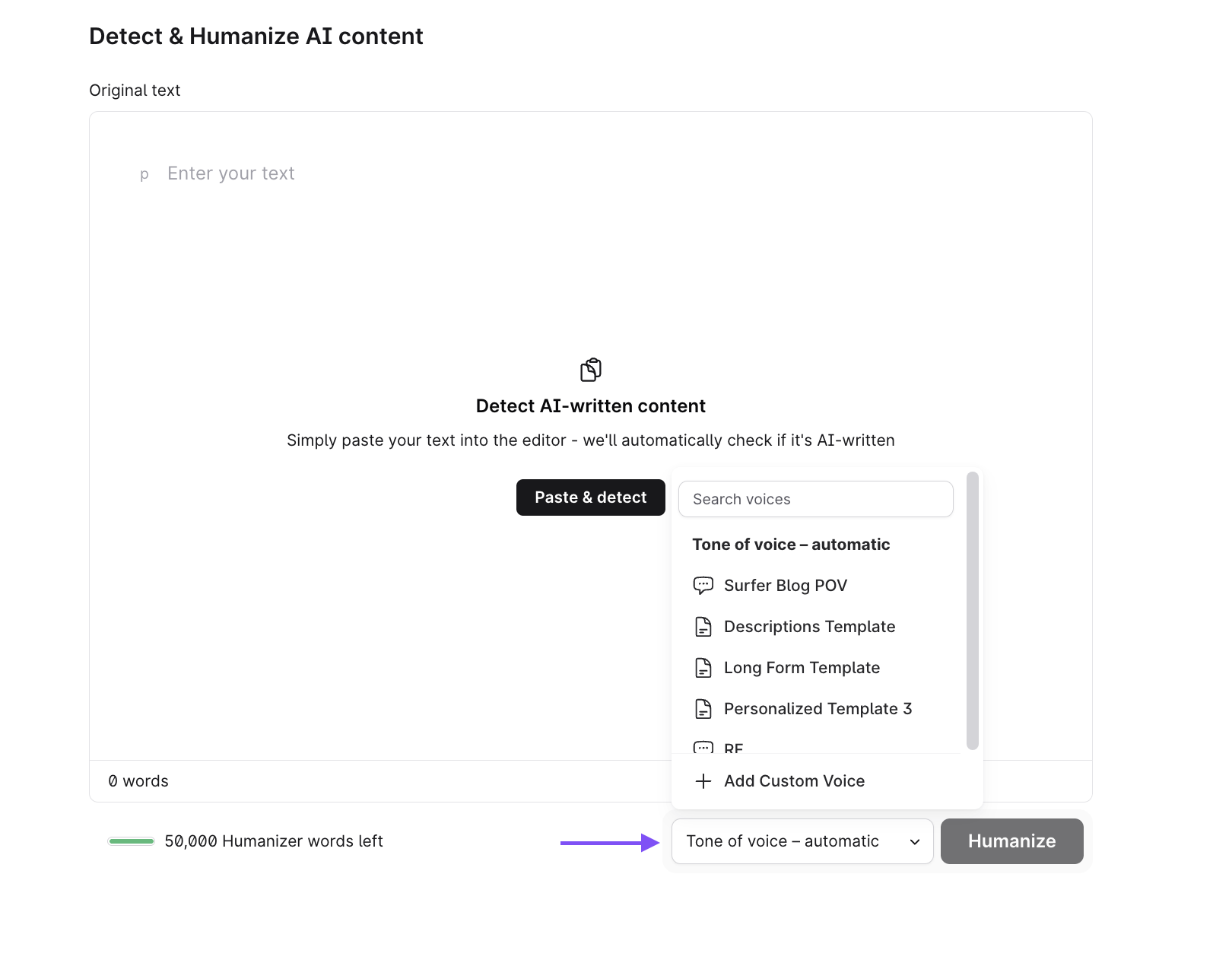
To use your custom voice in the Humanizer, open the tool and then paste the content in the text field. Below the field, you will find the Tone of Voice option.
By default, the tool uses an automatic tone of voice. If you want to use your personal style, select your preferred custom voice from the list before hitting the "Humanize" button. The tool will then analyze your reference text and apply the tone and writing style to the content.

Can I change the voice after content is generated?
Yes, you can adjust the voice in the Content Editor after content has been created.
Does custom voice affect SEO?
Custom voice does not directly impact SEO but helps maintain brand consistency and engagement, which indirectly supports SEO goals.
Can I adjust the tone after generating content?
Yes. After humanizing the content, if you want to apply a different voice, simply select your choice and select "Try again."
How do I ensure the tone fits my brand?
Use consistent reference texts for your custom voice and carefully choose tone settings that align with your brand’s personality.
